📱 𝐍𝐨𝐭𝐡𝐢𝐧𝐠 𝐎𝐒 𝐒𝐞𝐭𝐮𝐩𝐬 & 𝐋𝐚𝐲𝐨𝐮𝐭𝐬
𝐓𝐡𝐞 𝐁𝐞𝐬𝐭 𝐂𝐨𝐦𝐦𝐮𝐧𝐢𝐭𝐲-𝐃𝐫𝐢𝐯𝐞𝐧 𝐇𝐨𝐦𝐞𝐬𝐜𝐫𝐞𝐞𝐧𝐬
Nothing Space Setups🎨 𝐀𝐛𝐨𝐮𝐭 𝐓𝐡𝐞 𝐆𝐚𝐥𝐥𝐞𝐫𝐲
Welcome to the Setups & Layouts playground! The Nothing aesthetic is incredibly unique—relying heavily on dot-matrix fonts, monochrome palettes, and minimalist widgets. Here, we showcase the best Home Screen and Lock Screen layouts created by Nothing Phone (1), (2), and (2a) users from around the globe.
Scroll through to get inspiration for your next customization project. Most of these setups utilize a combination of Nova Launcher, KWGT (Kustom Widget Maker), KLWP (Kustom Live Wallpaper), and the official Nothing Icon Pack.
🔥 𝐅𝐞𝐚𝐭𝐮𝐫𝐞𝐝 𝐂𝐨𝐦𝐦𝐮𝐧𝐢𝐭𝐲 𝐒𝐞𝐭𝐮𝐩𝐬
Below are the latest high-resolution screenshots of top-rated community setups. Get inspired and start customizing.
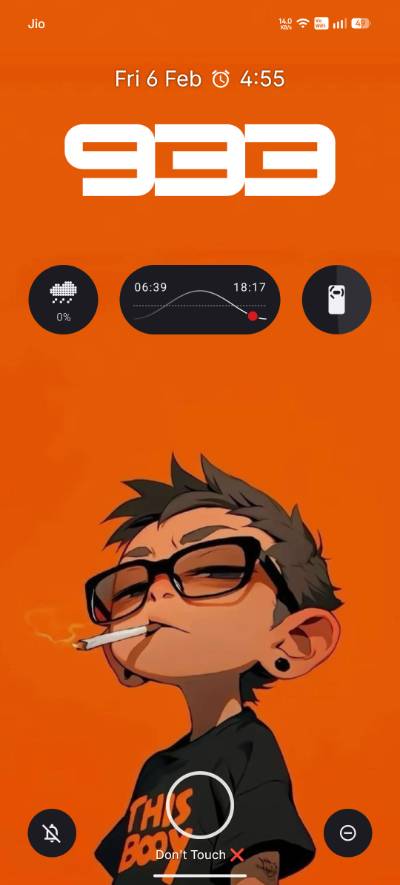
Lock Screen Variation A
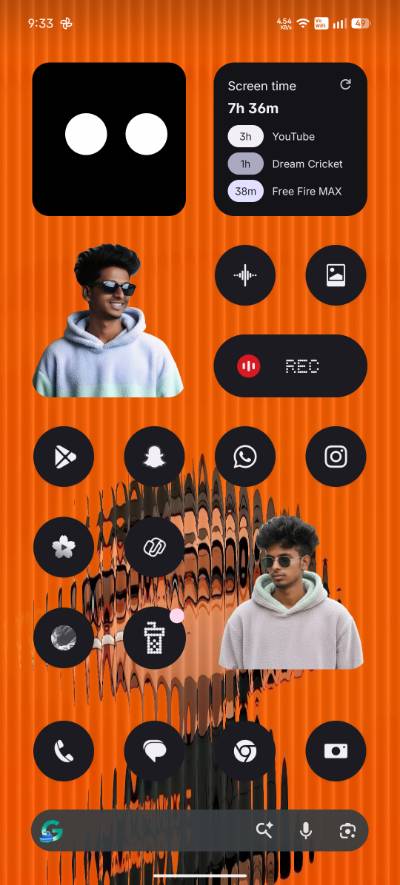
Home Screen Variation A
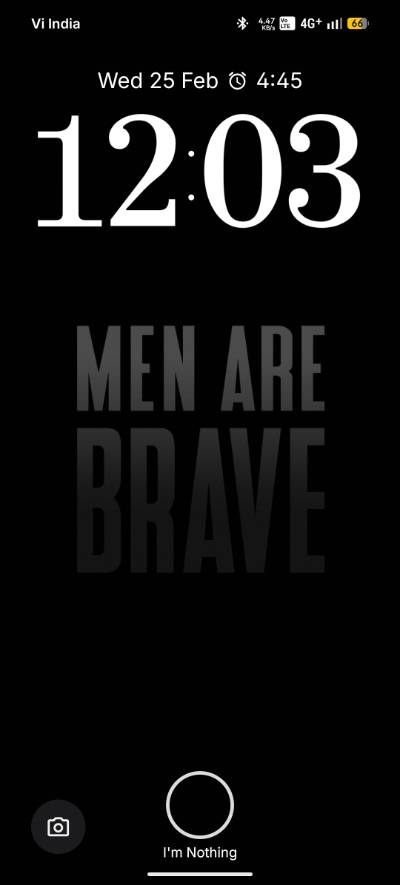
Depth Effect Lock B
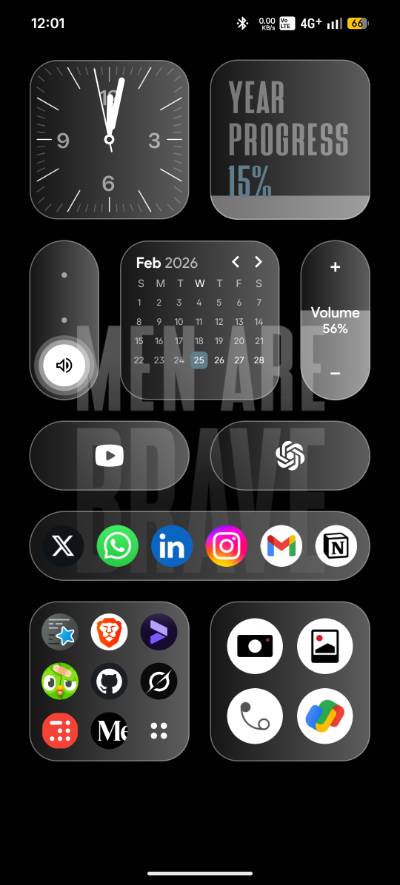
Minimalist Home B
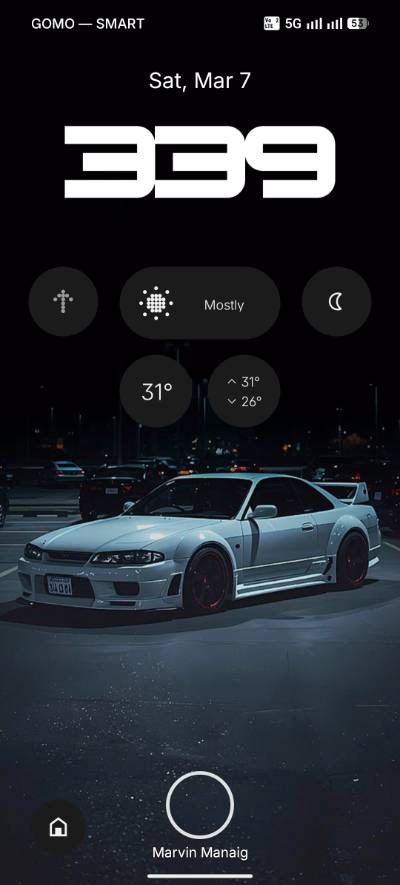
Abstract Lock C
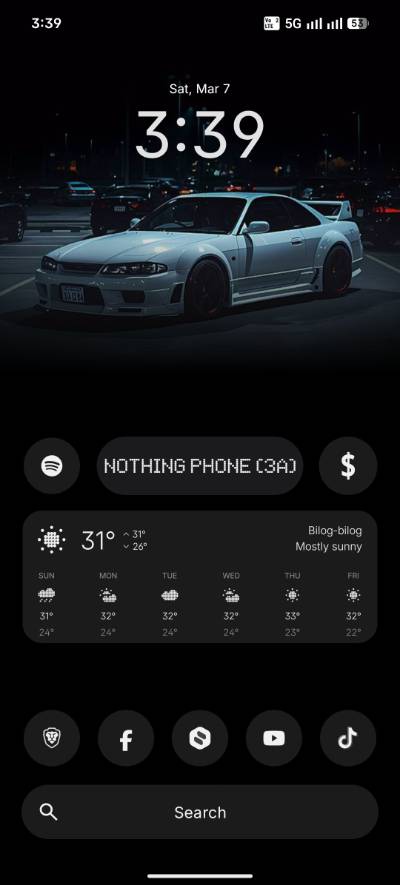
Widget Heavy Home C
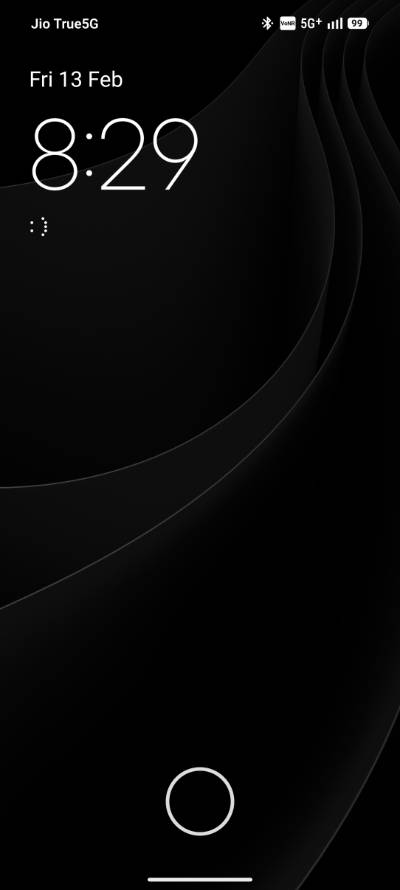
Monochrome OS Setup
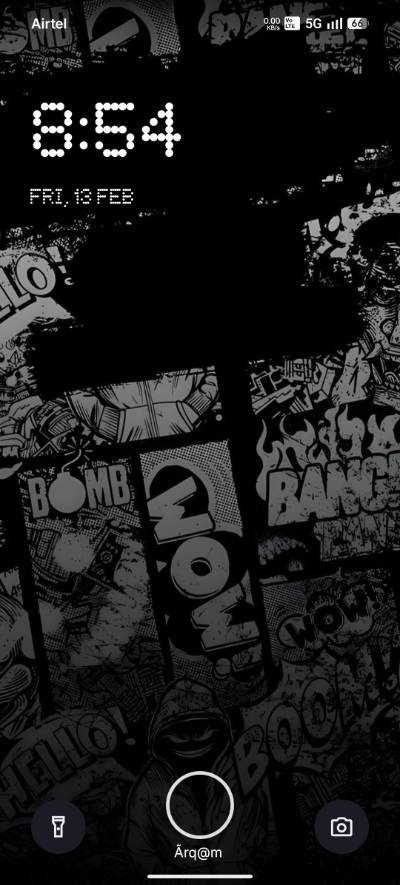
Clean Red Accent Setup
🛠️ 𝐇𝐨𝐰 𝐓𝐨 𝐑𝐞𝐜𝐫𝐞𝐚𝐭𝐞 𝐓𝐡𝐞𝐬𝐞 𝐋𝐨𝐨𝐤𝐬
Loved a setup from the gallery above? Here is a general guide on how to transform your stock phone into a customized masterpiece:
- Hide the Status Bar: The cleanest setups hide the top battery and Wi-Fi icons. You can do this by using a third-party launcher like Nova Launcher Prime or Lawnchair.
- Apply the Nothing Icon Pack: Download the official Nothing Icon Pack from the Play Store. Apply it globally via your launcher settings to ensure every app turns into a uniform monochrome dot-matrix style.
- Use KWGT for Widgets: The stock widgets are great, but for custom placement, install KWGT (Kustom Widget Maker). Many community members share their custom
.kwgtfiles that perfectly mimic the Nothing style with added weather or music info. - Depth Effect Wallpapers: For the lock screens where the image overlaps the clock, you will need KLWP (Kustom Live Wallpaper). Download the required
.klwpthemes directly from our hub.

Nothing Space - The Ultimate Community Hub
Empowering the Nothing & CMF Ecosystem globally.
Designed, Engineered, and Maintained in Bihar, India
Developed by ROHit | Nothing Tools